You have seen it before. A startup launches with a logo that looks suspiciously like three other startups. A cafe posts an Instagram story with the exact same layout your dentist used last week. A LinkedIn carousel uses a template so popular you can identify it by the font pairing alone.
This is the template problem. And it is everywhere.
The Template Trap
Template-based design tools solved a real problem: they made design accessible to people without formal training. That was a genuine breakthrough. But they introduced a new problem that is now impossible to ignore.
When millions of users choose from the same library of thousands of templates, the math is brutal. Popular templates get used hundreds of thousands of times. Your "unique" design is statistically guaranteed to look like someone else's.
Marketing managers know this feeling intimately. You scroll through templates, pick one that fits your campaign, change the colors and text, and publish. Then you see a competitor's ad that looks nearly identical. Your brand just became interchangeable.
Why Templates Kill Brand Identity
Templates are designed to be generic. That is their entire value proposition: they work for anyone. But "works for anyone" is the opposite of "feels like your brand."
Here is what happens in practice:
Layout is locked. Templates give you a fixed arrangement of elements. You can swap images and change colors, but the spatial relationships, the visual hierarchy, and the rhythm of the design are predetermined. Every business using that template communicates with the same visual rhythm.
Style is borrowed. The typography, spacing, and proportions were chosen by a template designer who knows nothing about your brand's personality. A playful children's brand and a serious financial firm can end up with designs that feel structurally identical.
Creative decisions are outsourced. The most important design choices, where to place emphasis, how to guide the eye, what to make large and what to make small, are already made for you. You are not designing. You are filling in blanks.
The "Canva Brand" Problem
There is a specific aesthetic that has emerged from template-heavy tools. Designers call it the "Canva look." You know it when you see it:
- Perfectly centered text blocks
- Stock photo backgrounds with overlaid text
- The same handful of trending font combinations
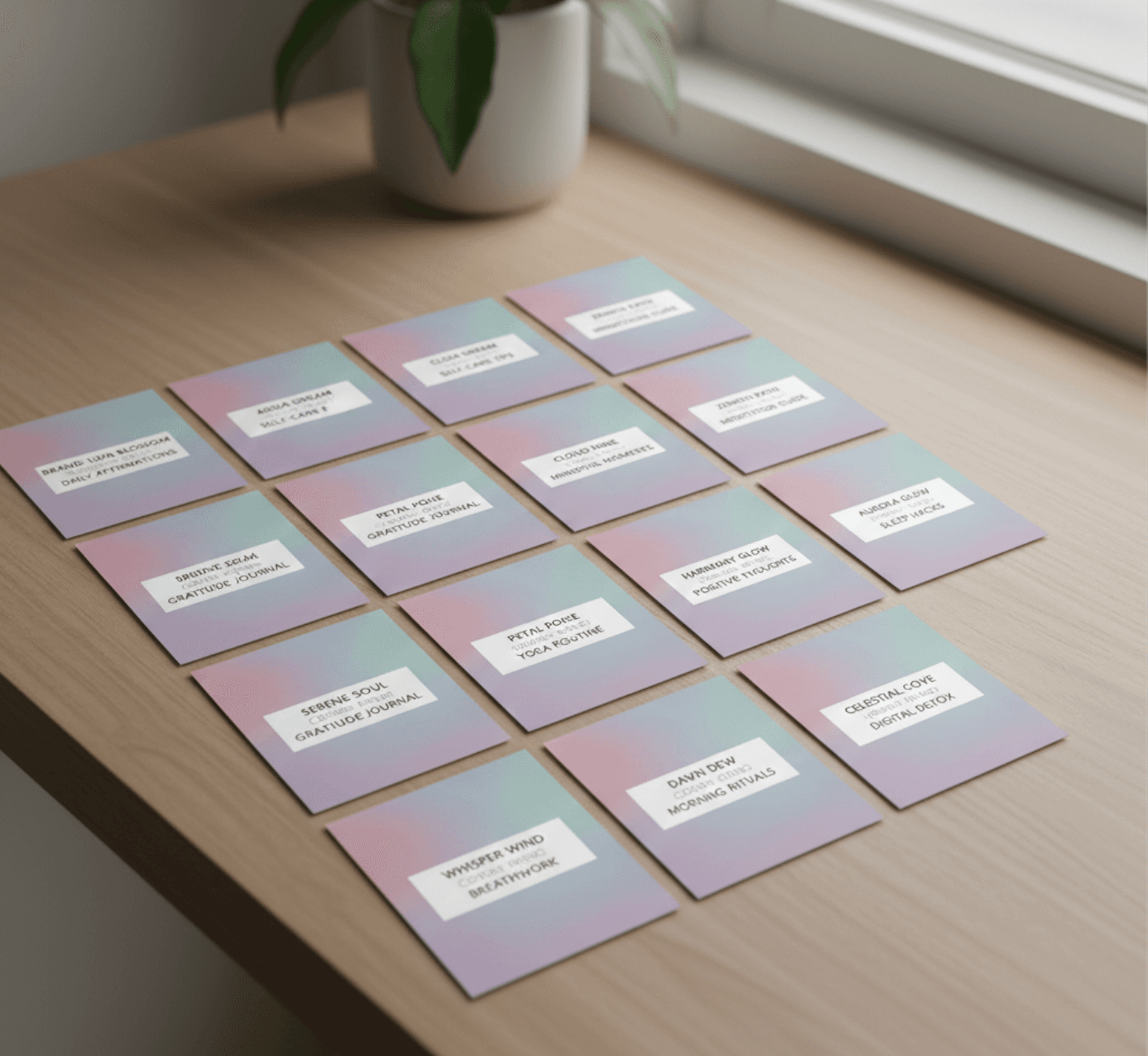
- Pastel gradients that were popular two seasons ago
- Layouts that feel safe, balanced, and utterly forgettable
This is not a criticism of any specific tool. It is a structural problem with template-based design. When the starting point is a finished layout, the output converges toward sameness.
Marketing teams feel this acutely. You need to produce campaign assets fast, so you reach for templates. But every asset you produce dilutes your brand identity a little more. After a year of template-based design, your visual identity is a patchwork of borrowed aesthetics.
Why AI-Generated Design Has the Same Problem
Some designers turned to AI tools hoping to escape the template trap. But prompt-to-design tools introduced their own version of sameness.
Tell five different AI tools to "create a poster for a music festival" and you will get five variations of the same visual language. The same swooping typography. The same abstract gradient blobs. The same "AI aesthetic" that is becoming just as recognizable as the Canva aesthetic.
The problem is not the technology. It is the approach. When AI makes all the creative decisions, the results reflect the AI's training data, not your creative intent. Everything looks competent. Nothing looks like it came from a human with a specific vision.
What Actually Makes Design Unique
Unique design comes from unique creative decisions. Not from unique templates or unique AI prompts, but from a human making deliberate choices about layout, hierarchy, color, and typography based on specific content and context.
Consider how a skilled designer approaches a project:
- They read and understand the content
- They consider the audience and context
- They explore multiple layout directions
- They make intentional choices about hierarchy and emphasis
- They refine details manually until it feels right
The problem with templates is they skip steps 1 through 4. The problem with prompt-to-design AI is it skips steps 3 through 5. In both cases, the creative thinking, the part that makes design unique, is removed.
A Different Approach: Start with Content, Not Layout
What if your design tool started with your content instead of a template?
This is the idea behind content-first design. Instead of choosing a layout and pouring content into it, you start by telling the tool what the design is about. The AI reads your content, understands the context, and suggests layout directions and style systems. You choose the creative path. Then you refine every detail.
The difference is subtle but fundamental. Templates give you a finished layout to fill. Content-first tools give you creative directions to explore. One constrains your choices. The other expands them.
This is how Lega works. You describe what the design is about, not how it should look. The AI understands your content, tone, and use case, then presents layout directions and style options. You choose the path and maintain full editing control over every element.
Breaking Free: What You Can Do Today
Whether or not you change tools, here are ways to escape the template trap:
Start with content every time. Before opening any design tool, write down what the design needs to communicate. Who is the audience? What is the single most important message? What should the viewer do next?
Sketch before you design. Even rough paper sketches force you to make creative decisions about layout before a template can make them for you.
Edit ruthlessly. If you must use a template, change the layout structure, not just the colors and text. Move elements around. Delete entire sections. Make it unrecognizable from the original.
Develop a visual system. Instead of picking templates per project, create a system of typography, color, spacing, and layout principles that apply across all your work.
Invest in tools that assist, not replace. The best design tools amplify your creative thinking rather than substituting for it. Look for tools that suggest directions rather than deliver finished results.
The Future of Design Tools
The design tool landscape is shifting. The next generation of tools will not ask you to choose a template or write a prompt. They will ask you what you are trying to communicate, who you are talking to, and what matters most.
AI will handle the tedious parts, alignment, spacing, initial layout concepts, so you can focus on the creative decisions that make your work unique. The 60% of design time currently spent on mechanical tasks will be reclaimed for actual creative expression.
The template era served its purpose. It is time for something better.
Your brand deserves more than a template someone else is also using. Start designing with your content and intent at the center, and let AI handle the mechanical work while you handle the creative vision.