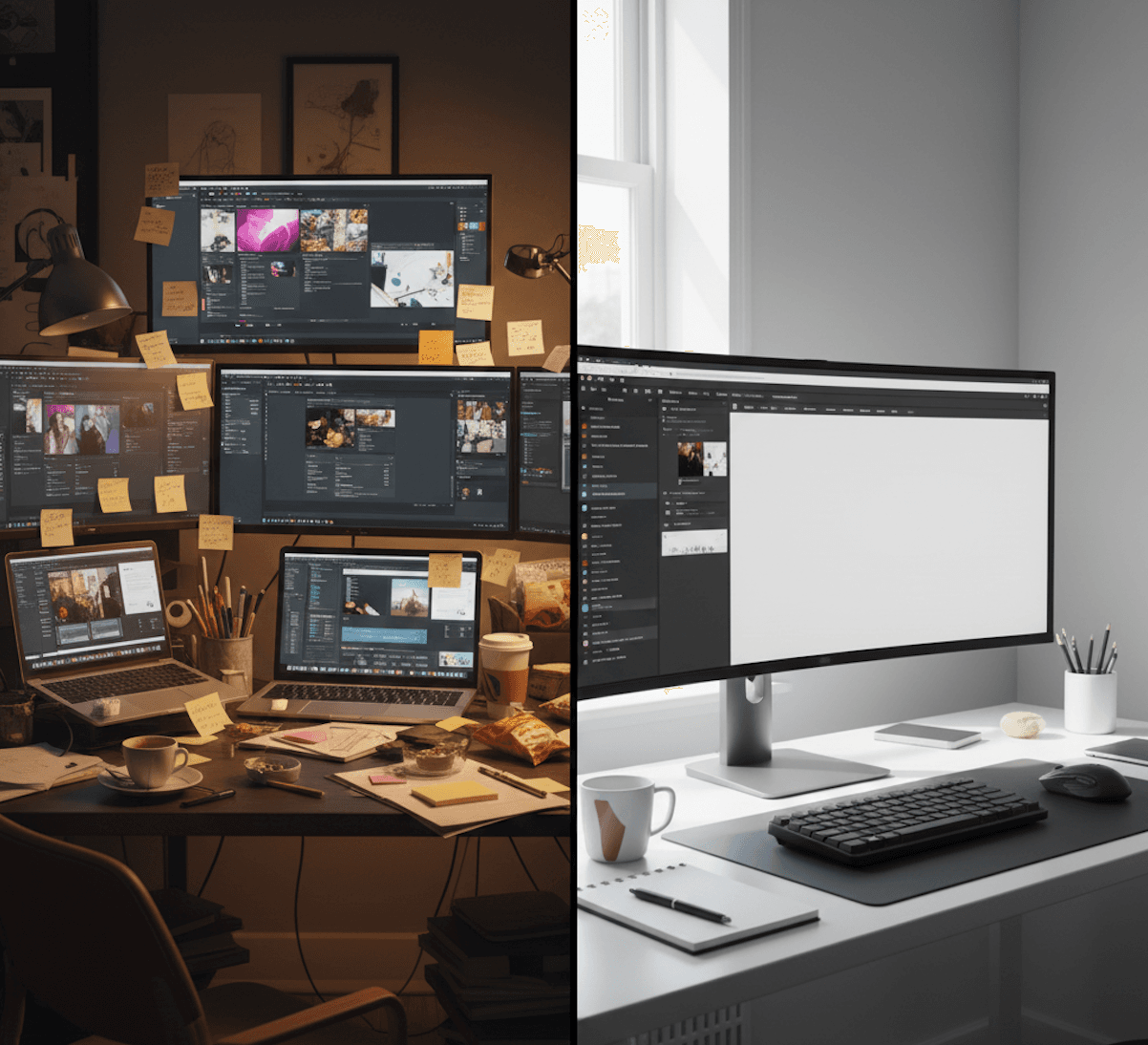
Freelance design has an uncomfortable math problem. Clients want original work. They also want it fast. And they want it affordable.
Pick two, right?
Not necessarily. The tension between speed and originality is real, but it is not a fixed law. Most of the time freelancers spend is not on creative work. It is on mechanical tasks that have nothing to do with originality. Fix the mechanical bottleneck and you get both speed and uniqueness.
The Real Time Breakdown
Track your next project and you will likely find something like this:
- Understanding the brief: 10%
- Setting up the document: 10%
- Exploring layout options: 20%
- Actual creative decisions: 15%
- Alignment, spacing, consistency: 20%
- Revisions and adjustments: 20%
- Export and delivery: 5%
The creative work, the part that makes your design original and valuable, is roughly 15% of total project time. The rest is scaffolding, mechanical execution, and revision cycles.
This means you can cut project time nearly in half without touching the creative component. The originality stays. The delivery time drops.
Strategy 1: Compress the Blank Canvas Phase
The blank canvas is where freelancers lose the most unproductive time. You stare at an empty artboard, try a layout, scrap it, try another, adjust, scrap again. This can easily consume 30 minutes to an hour before you have anything worth developing.
What to do instead:
Start every project by writing, not designing. Before you open any tool, spend five minutes answering these questions in a text file:
- What is this design about? (one sentence)
- Who will see it? (audience)
- What should they feel? (emotion)
- What should they do? (action)
- What are the constraints? (size, brand colors, must-include elements)
This five-minute exercise does what thirty minutes of layout exploration does: it gives you direction. When you open your design tool, you are not starting from nothing. You are starting from a clear intent.
Go further: Use a content-first design tool like Lega that takes this brief and generates layout directions for you. Instead of exploring layouts manually, the AI reads your content and context and shows you starting points. You pick one and go. The blank canvas phase drops from thirty minutes to under five.
Strategy 2: Build a Personal Layout Library (Not Templates)
Templates are rigid. Someone else made all the creative decisions. Using them makes your work look generic.
A layout library is different. It is a collection of structural patterns you have developed through your own work. Not finished designs, just layout skeletons.
For example:
- Magazine editorial: Large image top, two-column text below, pull quote in the right column
- Bold typographic: Full-bleed text, one oversized word, minimal graphic elements
- Modular grid: Content in equal-sized cards, flexible arrangement
- Asymmetric editorial: Off-center focal point, text wrapping around negative space
- Hero and details: Large hero element with supporting information below
These are structural concepts, not templates. Each one can be expressed in thousands of different ways depending on content, color, typography, and imagery. Having them ready means you skip the "what kind of layout?" phase and go straight to "how should this specific content be expressed in this layout type?"
Build your library over time. After every project, identify the layout pattern you used and add it to your collection if it is new. Within a few months you will have a dozen patterns that cover 90% of client requests.
Strategy 3: Front-Load Client Alignment
Revision cycles are the hidden destroyer of freelance profitability. Every round of revisions triggers a cascade of mechanical adjustments. Move this here. Change that color. Make the logo bigger. Each change requires re-aligning, re-spacing, and re-checking consistency.
The root cause is usually misalignment on the creative direction, not the execution quality.
What to do instead:
Before producing any polished work, share rough layout directions with the client. These can be quick sketches, wireframes, or low-fidelity mockups. The goal is to align on the structural approach before investing time in pixel-perfect execution.
Present two or three distinct directions:
- "Option A is bold and typographic, letting the words do the heavy lifting."
- "Option B centers the product image with supporting text around it."
- "Option C uses a modular grid that creates visual rhythm."
When the client picks a direction, they have already made their most impactful creative decision. Subsequent revisions become minor adjustments rather than structural overhauls.
This approach cuts revision rounds by 50% on average because the most common revision, "I was thinking something completely different", is eliminated in the first conversation.
Strategy 4: Systemize the Mechanical Parts
The mechanical parts of design, alignment, spacing, font sizing, color application, follow predictable rules. Once you have rules, you can systemize.
Typography system: Define a type scale you use across projects. For example: heading 1 at 48px, heading 2 at 32px, body at 16px, caption at 12px. Adjust proportionally for different project sizes. Having a system means you never waste time testing "should this be 14 or 16?"
Spacing system: Use a consistent spacing multiplier. If your base unit is 8px, all spacing is a multiple: 8, 16, 24, 32, 48. No more eyeballing gaps.
Color workflow: Start with a neutral palette (black, white, gray). Add one accent color. Add a secondary color only if needed. This constraint speeds up color decisions without limiting creativity.
Grid presets: Have two or three grid configurations ready for your most common project sizes. Not locked templates, just grid structures you can apply in seconds.
These systems do not limit creativity. They eliminate micro-decisions that consume time without adding value. A designer with a spacing system and a designer without one produce equally creative work. The one with the system just finishes faster.
Strategy 5: Use AI for the Right Tasks
AI is a powerful tool for freelancers when used correctly. The mistake is using it as a replacement for creative work. The opportunity is using it as an assistant for mechanical work.
Good uses of AI for freelancers:
- Layout exploration: Generate multiple layout starting points for a brief and choose the most promising one to develop
- Color palette generation: Given a mood or brand context, generate color options to evaluate
- Typography pairing: Suggest font combinations based on the design's purpose
- Content-aware suggestions: AI that reads your actual content and suggests how to emphasize, structure, and present it
- Responsive adaptation: Automatically adjust a design for different formats and sizes
Bad uses of AI for freelancers:
- Generating complete finished designs to deliver to clients
- Using AI output without significant manual refinement
- Relying on AI for the creative concept
The distinction matters for your career. Clients hire freelancers for creative judgment, not for operating software. If AI does the creative thinking, clients will eventually realize they can prompt AI directly. If AI handles mechanical tasks while you provide creative direction, your value increases because you deliver better work faster.
Strategy 6: Batch Similar Projects
If you work with multiple clients, you likely get similar requests: social media graphics, presentation slides, marketing one-pagers. Batching similar work is dramatically faster than context-switching between different project types.
Monday morning: all social media graphics for the week. Tuesday: presentation designs. Wednesday: marketing collateral. Each batch benefits from the creative momentum of the previous piece. Your eye is calibrated, your layout instincts are warmed up, and your systems are already loaded.
This does not mean every design in a batch looks the same. It means the mechanical overhead of switching between project types, different grids, different type scales, different export settings, is eliminated.
Strategy 7: Set Scope Boundaries
Many freelancers lose time to scope creep that masquerades as revision requests. "Can you also make a version for Instagram?" "What if we added a QR code?" "Can we see it in dark mode too?"
Each of these is a new design task, not a revision. But without clear scope boundaries, freelancers absorb them as part of the original project.
Before starting any project, define and communicate:
- Number of design concepts (typically 2-3)
- Number of revision rounds (typically 2)
- What constitutes a revision vs. a new request
- Deliverable formats and sizes
- Timeline for each phase
This is not about being rigid. It is about making the invisible work visible. When a client asks for an additional format, you can say "absolutely, that is an additional deliverable" rather than silently absorbing two extra hours of work.
The Compound Effect
Each of these strategies saves 15-30 minutes per project in isolation. Combined, they can cut total project time by 40-60%.
A project that used to take six hours becomes a three-hour project. Your effective hourly rate nearly doubles. And because none of these strategies touch the creative component of your work, the quality and originality of your output stays the same or improves, because you have more mental energy for the part that matters.
The math of faster delivery:
- 5 minutes writing a brief instead of 30 minutes exploring layouts
- 5 minutes picking a layout direction from AI suggestions instead of 20 minutes trying arrangements
- 1 revision round instead of 3 (because direction was aligned early)
- Systematic spacing and typography instead of per-project decisions
That is roughly 70 minutes saved on a typical project. Across twenty projects a month, that is over 23 hours reclaimed. Nearly three full workdays.
Getting Started
You do not need to implement everything at once. Start with the strategy that addresses your biggest bottleneck:
- If you stare at blank canvases too long: Strategy 1 (write before designing) or try Lega's content-first approach
- If revisions eat your margins: Strategy 3 (front-load alignment)
- If you spend too long on spacing and alignment: Strategy 4 (systemize mechanical parts)
- If everything feels slow but you cannot pinpoint why: Strategy 6 (batch similar work)
Pick one. Apply it to your next three projects. Measure the difference. Then add another.
Speed and originality are not enemies. They become enemies only when your tools and workflow force you to trade one for the other. Fix the mechanical bottleneck, keep the creative control, and deliver work that is both fast and unmistakably yours.