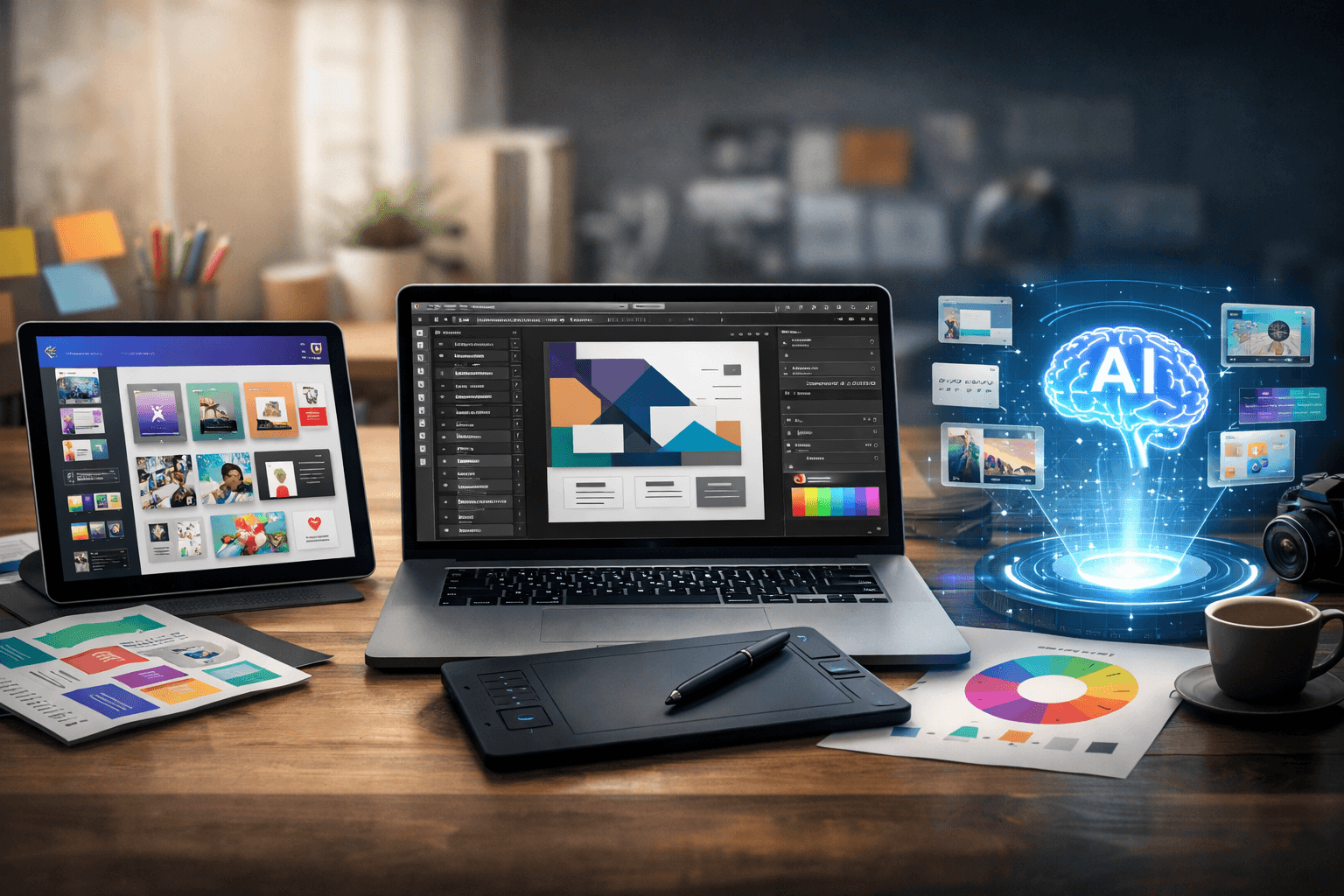
The design tool landscape in 2026 is split into three camps. Professional tools like Figma and Adobe give you total control but demand significant time and skill. Template tools like Canva give you speed but limit your creativity. AI tools promise both speed and creativity but deliver neither reliably.
Each camp has fervent defenders. Each camp is right about what their tools do well. And each camp is wrong about what their tools do poorly.
Here is an honest breakdown.
Professional Tools: Figma, Adobe Illustrator, Photoshop
What They Do Best
Total creative freedom. There is no design concept you cannot execute in Figma or Adobe tools. If you can imagine it, you can build it. No templates constraining your layout. No AI interpreting your intent. Just you and an infinitely flexible canvas.
Pixel-perfect precision. When a design needs to be exact, these tools deliver. Precise typography controls, exact color values, mathematical spacing, and perfect alignment. For brand-critical work where every detail matters, nothing else comes close.
Collaborative workflows. Figma in particular revolutionized design collaboration. Real-time co-editing, commenting, version history, and design systems make team-based design work smooth.
Industry standard. Everyone speaks Figma. Developers, designers, product managers. Files are portable. Workflows are established. Hiring is easier because skills are transferable.
Where They Fall Short
The blank canvas problem. Every project starts from zero. Setting up grids, establishing type scales, exploring layout options: this mechanical work consumes the majority of design time. A designer spending six hours on a project might spend four hours on scaffolding and only two on creative decisions.
Steep learning curve. These are professional tools with professional complexity. A marketing manager who needs a quick social post cannot open Figma and produce anything usable without significant training. This gatekeeps design behind a skill barrier.
Speed scales linearly. Producing ten designs takes roughly ten times longer than producing one. There is no leverage. A design system helps with consistency but does not meaningfully reduce the time to create each individual piece.
No content awareness. Figma has no understanding of what you are designing or why. It does not know that your headline is the most important element. It cannot suggest that your layout would work better with more negative space. It is a canvas, not a collaborator.
Best For
Brand identity work, complex multi-page designs, design systems, UI/UX design, collaborative team projects, and any work where precision and creative control are non-negotiable.
Template Tools: Canva, Adobe Express, Visme
What They Do Best
Speed to output. From idea to exported asset in under ten minutes. For standard formats like social media posts, presentations, and simple marketing materials, nothing is faster.
Accessibility. Anyone can use Canva. No training required. The interface is intuitive, the learning curve is flat, and the output quality floor is high. A marketing intern can produce acceptable social media graphics on day one.
Volume production. Need thirty social media posts for the month? Template tools are unmatched for batch production of similar assets. Change the text, swap the image, adjust the color, export. Repeat.
Brand kit management. Canva's brand kit feature and similar offerings in other template tools help teams maintain consistent colors, fonts, and logos across assets. It is basic brand management, but it works.
Where They Fall Short
The sameness problem. Millions of users sharing thousands of templates produces statistically identical output. Your design is guaranteed to look like someone else's. For any brand that values distinctiveness, this is a serious problem.
Layout rigidity. Templates lock the fundamental creative decisions: where elements are placed, how the eye flows through the design, what gets emphasis and what recedes. You can change the surface (colors, text, images) but not the structure.
Content-layout mismatch. Real content almost never fits template assumptions perfectly. Headlines are too long or too short. There are more bullet points than slots. The image aspect ratio does not match. Every mismatch requires a compromise that weakens the design.
Creative ceiling. There is a maximum quality level template tools can produce, and it is well below what a skilled designer can achieve with professional tools. For everyday assets this may be acceptable. For brand-defining work, it is not.
Brand drift. Despite brand kits, template-based workflows tend to drift over time. Users make small adjustments that accumulate. Fonts get swapped, spacing shifts, and the brand's visual coherence erodes gradually.
Best For
Social media content at volume, internal presentations, quick promotional graphics, small businesses without design resources, and any situation where speed matters more than distinctiveness.
AI Design Tools: Prompt-to-Design Generators
What They Do Best
Concept generation. AI can produce design concepts faster than any human. Describe what you want and see multiple interpretations in seconds. For brainstorming and initial exploration, this speed is genuinely useful.
Pattern recognition. AI understands what "modern," "corporate," "playful," or "minimal" looks like across millions of design examples. It applies these patterns consistently and can combine references in interesting ways.
Accessibility beyond templates. Unlike templates, AI can generate designs for any conceivable brief. There is no limit to the combinations. You are not choosing from a library; you are generating from a possibility space.
Mechanical competence. AI-generated designs rarely have alignment issues, inconsistent spacing, or broken grids. The mechanical quality is reliably high.
Where They Fall Short
The new sameness. AI generates the statistical center of its training data. Outputs across different tools converge toward similar aesthetics. The "AI look" is becoming as recognizable as the "Canva look." We covered this in detail in our piece on AI design sameness.
No genuine creative control. Most AI design tools operate on a generate-and-replace model. You get a complete design or you start over. There is no way to say "I like the layout but change only the typography" or "move the headline up and make the image larger." The granularity of control is too coarse.
Prompt ambiguity. The gap between what you describe and what the AI interprets is wide. "Professional and modern" means something different to every person and every AI model. Without a shared understanding of intent, the output is always a guess.
No iteration path. Good design is built through iteration: small, intentional adjustments based on seeing the current state. AI tools that regenerate the entire design with each prompt do not support iteration. Each generation is independent, losing the accumulated decisions from previous versions.
Uncanny consistency. AI designs are consistently competent but rarely surprising. They lack the irregularities, the unexpected choices, the deliberate rule-breaking that makes human-designed work memorable. Everything is polished to the same smooth finish.
Best For
Quick concept exploration, brainstorming visual directions, generating design inspiration, and producing assets where speed matters far more than uniqueness.
The Gap in the Market
Line up the three categories and a clear gap emerges:
| Pro Tools | Templates | AI Tools | |
|---|---|---|---|
| Speed | Slow | Fast | Fast |
| Originality | High | Low | Medium-Low |
| Creative Control | Full | Limited | Minimal |
| Accessibility | Low | High | High |
| Content Awareness | None | None | Partial |
No existing tool category delivers fast, original design with full creative control and high accessibility. That combination does not exist in any of the three camps.
- Pro tools are original but slow
- Template tools are fast but generic
- AI tools are fast but give you no control and converge toward sameness
What the Next Generation Looks Like
The tool that fills this gap needs to combine the best of each category while avoiding their weaknesses:
From pro tools: Full element-level editing control. The ability to select any text box, shape, image, or layer and modify it precisely. No black-box generation. Everything is editable.
From template tools: Speed and accessibility. A marketing manager with basic design sense should be able to produce quality output in minutes, not hours.
From AI tools: Content understanding and intelligent suggestions. AI that reads your actual content, understands context and intent, and generates relevant options.
From none of the above: A content-first workflow. Starting with what the design is about rather than what template to use or what prompt to write.
This is the approach Lega takes. The workflow:
- Start with content. Describe what the design is about. Not how it should look.
- AI understands context. The AI reads your content, understands your tone, audience, and purpose.
- Choose a direction. Multiple layout directions and style systems are presented. You choose the path.
- Full creative control. Every element is editable. Prompt adjustments or tweak manually.
This gives you the speed of template tools, the originality of pro tools, and the content-awareness of AI tools, without the limitations of any single category.
How to Choose the Right Tool Today
There is no single right tool for every situation. Here is a practical decision framework:
Use Figma or Adobe when:
- Building a design system or brand identity from scratch
- Creating complex, multi-page documents
- Working with a design team that needs real-time collaboration
- Precision and creative control are the top priorities
Use Canva or template tools when:
- Producing high-volume, lower-stakes assets (social posts, internal slides)
- Non-designers need to create simple assets independently
- Speed is the priority and brand distinctiveness is less critical
- Budget is extremely limited
Use AI tools when:
- Brainstorming concepts and exploring visual directions quickly
- Generating inspiration or reference material
- Producing assets where uniqueness is not important
Use a content-first AI tool like Lega when:
- You need original designs quickly
- Full creative control matters but blank-canvas time does not
- Marketing team members need to create brand-quality assets independently
- You want AI assistance without giving up creative judgment
- Speed and originality both matter
The Convergence
The three categories are converging. Figma added AI features. Canva added more editing flexibility. AI tools are adding more manual controls.
But convergence from opposite ends of a spectrum is different from building in the middle. A pro tool that adds AI suggestions is still fundamentally a blank-canvas tool. A template tool that adds editing flexibility still starts with someone else's layout. An AI tool that adds manual controls still generates entire designs in one shot.
The tools that will define the next era of design are the ones built from the start around the right workflow: content first, AI for scaffolding, human for creativity. Not a pro tool with AI bolted on. Not a template tool with more options. Not an AI tool with an edit button.
A new category entirely.
The best design tool is the one that matches your actual workflow. But if you are finding that every tool forces you to choose between speed, originality, and control, the problem is not you. It is the tools. The next generation is being built to give you all three.