Two years ago, the design world was buzzing with a prediction: AI would make everyone a designer. Tools would generate complete designs from simple text prompts. Professional designers would either adapt or become irrelevant.
Some of that prediction came true. AI design tools did arrive. They can generate layouts, suggest styles, and produce complete visuals from a few sentences. The technology works.
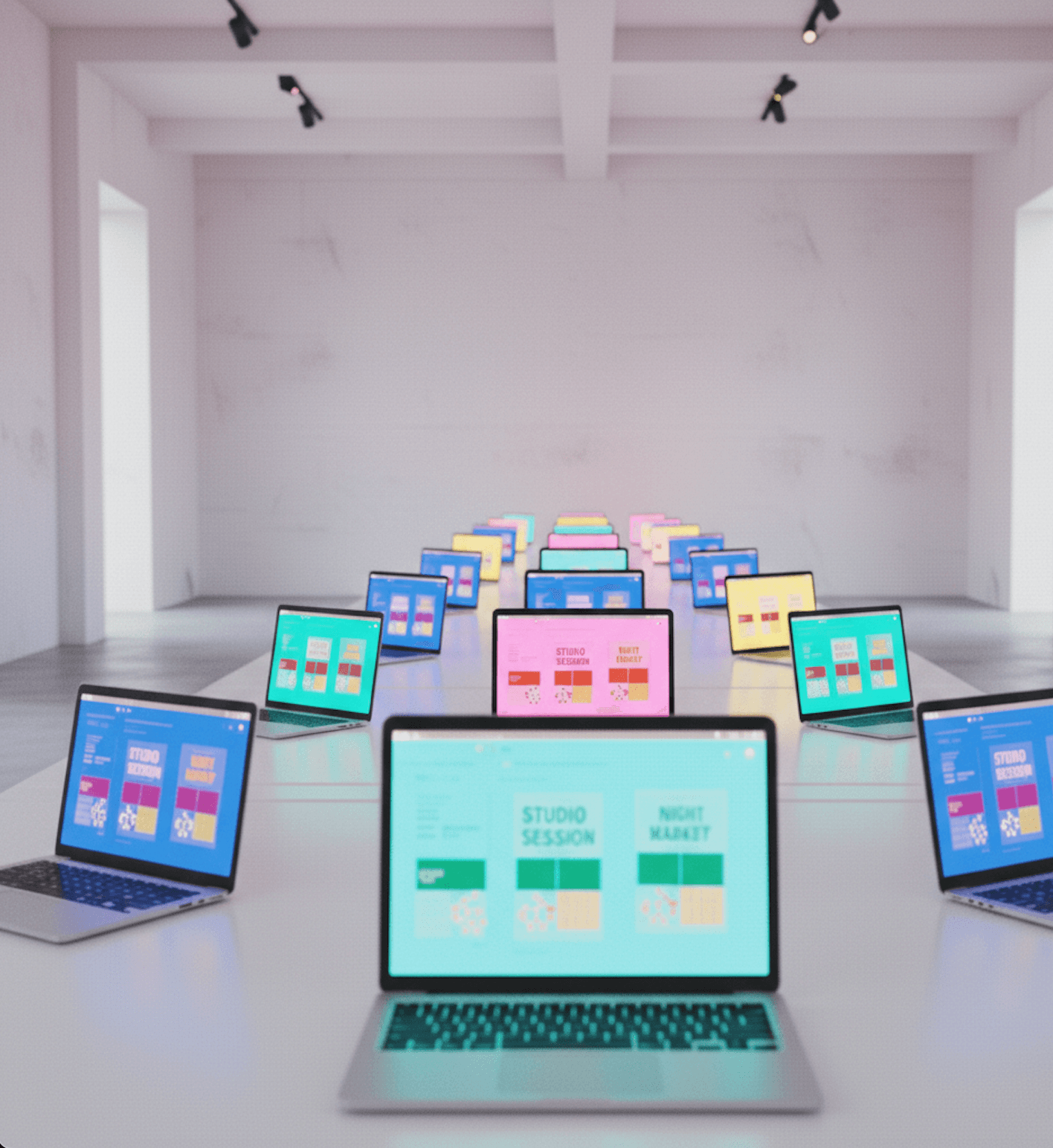
But something unexpected happened. Instead of a renaissance of creative diversity, we got a new kind of sameness. AI-generated designs are starting to look as interchangeable as template-based designs. Different tool, same problem.
The New Sameness
Open any prompt-to-design tool and type "design a poster for a coffee shop." You will get variations of the same output: warm earth tones, a coffee cup or bean visual element, a clean sans-serif font, and a layout that looks like it was pulled from a generic stock photo site.
Now try "create a tech startup landing page." You will get: a gradient hero section, abstract geometric shapes, a bold headline in a modern typeface, and three feature cards below. Every. Single. Time.
This is the AI aesthetic. It is polished, competent, and completely predictable. You can spot AI-generated design the same way you could spot Canva designs two years ago, just by the feeling of having seen it before.
Why This Happens
The sameness problem in AI design has three root causes:
1. Training Data Convergence
AI models learn from millions of existing designs. When they generate new ones, they produce outputs that represent the statistical center of their training data. That center is, by definition, average.
The most creative, unusual, and memorable designs are outliers. They are the designs that broke conventions, tried something unexpected, or expressed a specific human vision. AI models do not generate outliers. They generate the most probable version of what a design "should" look like based on patterns.
This means every AI design tool, regardless of brand, converges toward similar outputs. They all learned from roughly the same internet. They all produce roughly the same "good enough" designs.
2. Prompt Ambiguity
When you tell an AI "design a poster," you are providing almost no creative direction. The AI fills in every gap with its most probable guess. Color? Whatever was most common in similar posters. Layout? The safest, most balanced arrangement. Typography? The most popular modern font style.
Compare this to how a human designer works. A skilled designer receiving the brief "design a poster" would ask fifteen clarifying questions before placing a single element. What is the poster about? Who will see it? Where will it be displayed? What feeling should it evoke? What should viewers do after seeing it?
Each answer narrows the creative space in specific, intentional ways. The final design reflects those specific choices. AI tools skip the questions and jump straight to a generic answer.
3. No Iterative Refinement
The most damaging limitation of current AI design tools is the lack of genuine creative control. Most work on a generate-and-replace model: you prompt, the AI produces a complete design, and if you do not like it, you prompt again for a completely new one.
This misses how design actually works. Good design is iterative. A designer places an element, steps back, considers it in context, makes an adjustment, and repeats. The design evolves through hundreds of small, intentional decisions.
When AI generates a complete design in one step, all those small decisions are made simultaneously by the model. There is no human judgment in the loop. No moment where a designer says "this is almost right, but the headline needs to be bolder and moved up." The granularity of creative control is too coarse.
What Designers Actually Need from AI
The designers who are thriving with AI are not the ones using prompt-to-design tools. They are the ones using AI as an assistant that handles specific, mechanical tasks while they retain creative control.
Here is what that looks like in practice:
Layout exploration, not layout generation. Designers want to see multiple layout directions quickly so they can choose one to develop. They do not want a finished layout. They want starting points that reflect their specific content and context.
Style suggestions, not style application. Showing a range of typographic and color options based on the content's tone and purpose is useful. Automatically applying a style that cannot be modified element by element is not.
Mechanical automation. Alignment, spacing, grid setup, responsive resizing, format adaptation: these are the tasks that consume 60% of design time and require zero creativity. AI should handle them completely.
Element-level control. After AI suggests a direction, every individual element, every text box, shape, image, and layer, should be editable. The designer should be able to prompt adjustments or make manual tweaks at any granularity.
The Control Spectrum
It helps to think about AI design tools on a spectrum:
Full AI Control (Prompt-to-design tools)
- You describe, AI creates everything
- Fast, but no creative control
- Everything looks the same
Full Manual Control (Adobe, Figma)
- You decide and execute everything
- Full control, but slow
- Quality depends entirely on skill
AI-Assisted (The missing middle)
- AI handles mechanical work and suggests directions
- You make creative decisions and refine
- Fast AND unique
Most tools today sit at the extremes. Either AI does everything, or you do everything. The interesting space, the one that actually helps designers produce better work faster, is in the middle.
This is where Lega positions itself. The AI reads your content, understands context, and suggests layout directions and style systems. You choose the direction and maintain full control over every element. AI handles the scaffolding. You handle the creativity.
Signs of a Good AI Design Tool
When evaluating AI design tools, look for these characteristics:
It asks about your content before generating anything. If a tool lets you generate a design without understanding what the design is about, it will produce generic output. The best tools start with content and context.
It shows options, not results. A tool that shows you three layout directions to choose from respects your creative judgment. A tool that shows you one finished design does not.
You can edit every element. After AI generates a starting point, can you select individual elements and modify them? Can you move a text block, change a specific color, adjust one font size? If the answer is no, you do not have creative control.
It gets better with context. The more information you provide about your brand, audience, and goals, the more specific and useful the AI's suggestions should become. Generic prompts should produce generic results. Specific context should produce specific results.
It reduces mechanical time, not creative time. The tool should make alignment, spacing, and setup faster. It should not make creative decisions faster by removing them from the process.
Where We Are Headed
The current generation of AI design tools is roughly where AI text generation was in 2022: impressive on first contact, frustrating on sustained use. The outputs are good enough to impress in a demo but not good enough to replace intentional creative work.
The next generation will be different. The tools that win will be the ones that figured out the right division of labor between human and AI. AI handles the mechanical. Humans handle the creative. The interface between them is smooth, fast, and expressive.
This means:
- Content-first workflows instead of template-first or prompt-first
- Layout exploration instead of layout generation
- Full element-level editing after AI suggests a direction
- Style systems that adapt to context rather than applying generic aesthetics
- Tools that get better as they learn your brand and preferences
The sameness problem is solvable. It just requires building AI tools that assist creative thinking rather than replacing it.
What You Can Do Today
If you are using AI design tools and frustrated by generic output:
Be absurdly specific in your prompts. Instead of "design a poster," write "design a poster for a jazz night at a rooftop bar in Brooklyn, targeting 25-35 year old professionals, moody and intimate atmosphere, dark background with warm gold accents, typographic focus, no stock imagery."
Use AI for parts, not wholes. Use AI to generate color palettes, suggest font pairings, or explore layout concepts. Then assemble the final design yourself with manual control.
Reject the first output. The first generation from any AI tool is the most generic. Push past it. Ask for unusual approaches. Specify what you do not want.
Layer your own judgment. Take AI output as a rough draft and redesign 50% of it manually. The combination of AI efficiency and human intention produces better results than either alone.
AI design tools are powerful. But power without creative control produces sameness. The designers and teams who produce the best work in 2026 will be the ones who use AI as an assistant, not a replacement, keeping human judgment at the center of every creative decision.